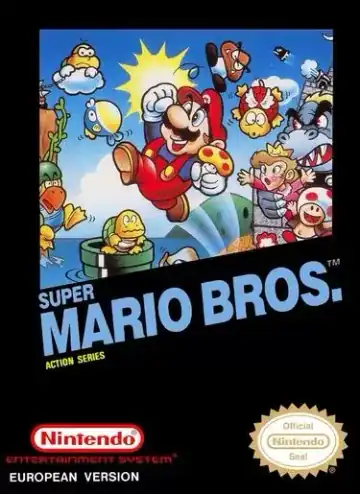
NES
Super Mario Bros
Platformer1985
Super Mario Bros
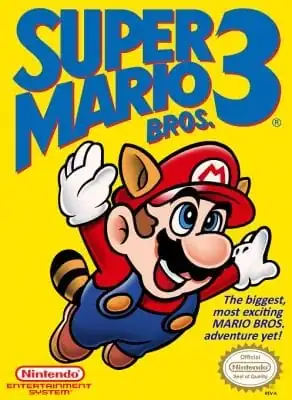
Super Mario Bros. 3
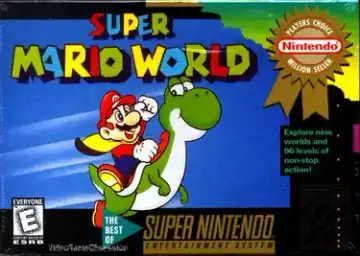
Super Mario World
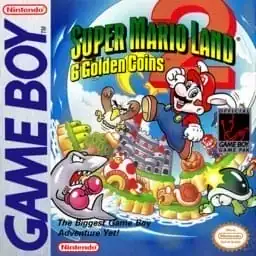
Super Mario Land 2: 6 Golden Coins
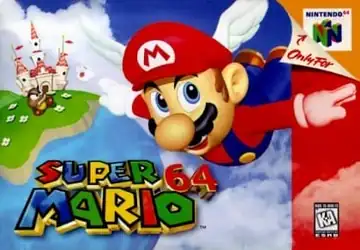
Super Mario 64
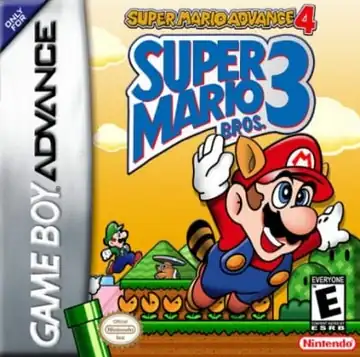
Super Mario Advance 4: Super Mario Bros. 3
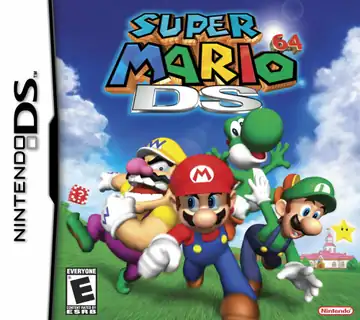
Super Mario 64 DS
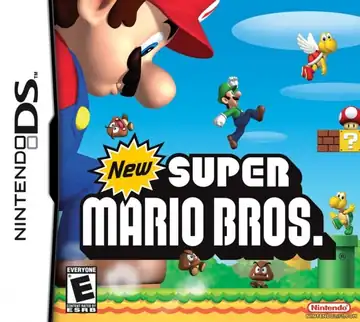
New Super Mario Bros.
Games to try
Pick a game and press Start Game. No app to install.
Browse games by console or name. Each game page has a short introduction, controls, and a play button.
Open a game page and press Start Game.
Use save states to pick up where you left off when the game supports them.
Use the on-screen buttons in a supported mobile browser.
You can start playing without an account.
Choose a game, read the controls, and press Start Game on its page. You do not need to install a separate app.
You can use a keyboard or a compatible gamepad. On mobile, try the on-screen buttons. Save states and fullscreen are available when the player supports them.
Browse NES, SNES, Nintendo 64, Game Boy, Game Boy Advance, Nintendo DS, and more. Open a console page to see its games.